Sender signals, not email content
Unjunk checks sender, category, authentication, frequency, and unsubscribe headers without requesting message subjects, bodies, or snippets.
Private Gmail cleanup

See repeat senders, choose what you do not want, and clean up Gmail without giving Unjunk your email content.
The useful part
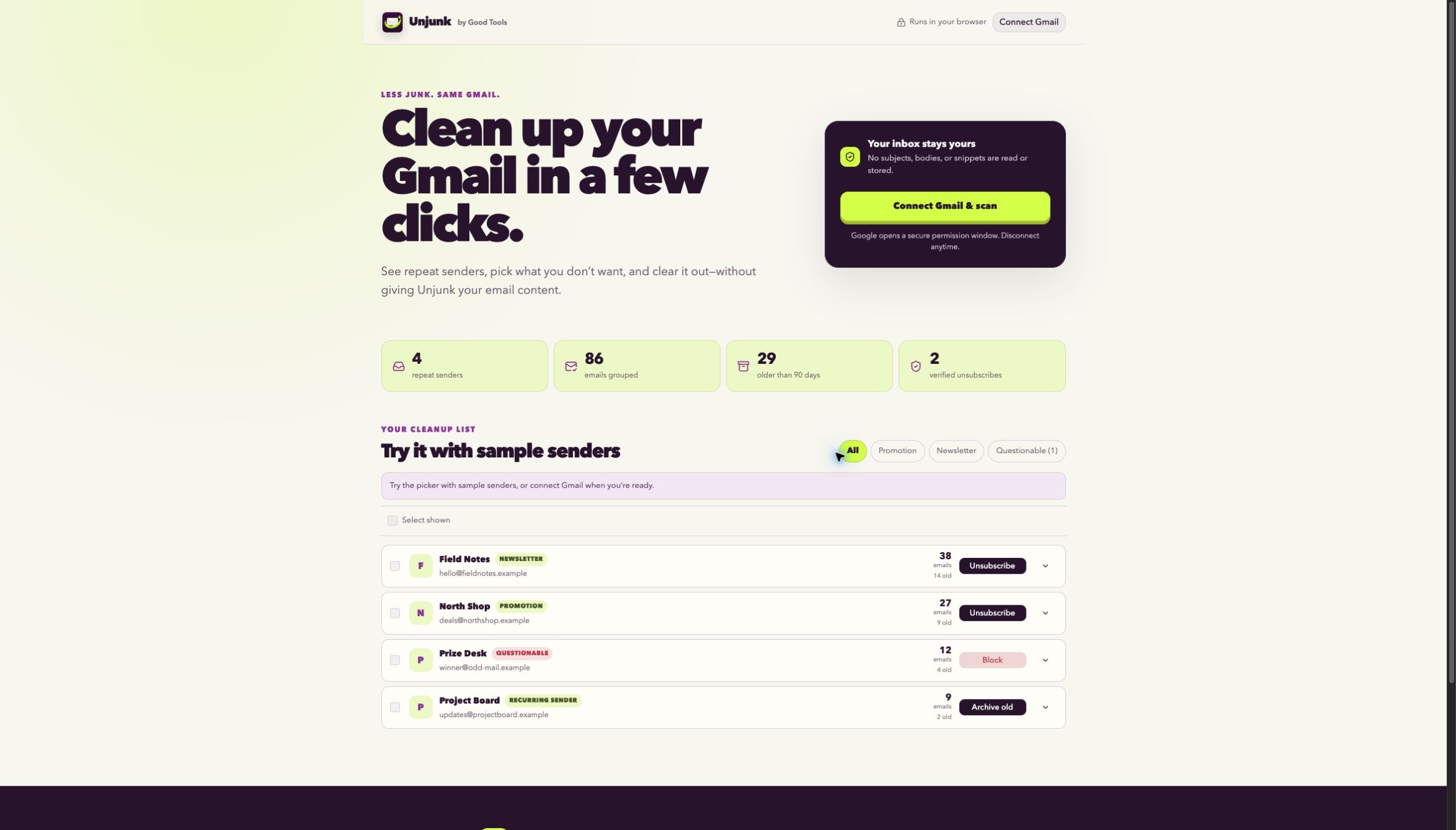
Unjunk groups recurring senders using only the signals it needs, then lets you keep, ignore, safely unsubscribe, archive old mail, move old mail to Trash, or block an exact sender. Subjects, bodies, and snippets are not requested or retained, and every cleanup action remains visible before it changes Gmail.
Finding the right tool
Unjunk is a Gmail cleaner and unsubscribe organizer for people who want to reduce repeat mail without handing message bodies to another inbox service.
It groups senders from selected metadata, separates authenticated unsubscribe signals from questionable links, and keeps archive, Gmail Trash, and exact-sender blocking as visible user choices.
What it does
Unjunk checks sender, category, authentication, frequency, and unsubscribe headers without requesting message subjects, bodies, or snippets.
Safe one-click and trusted unsubscribe options are clearly separated from questionable or unavailable links.
Archive old messages, move them to Gmail Trash, or create an exact-sender block filter—never permanent deletion.
Explore a sample inbox first, then connect Gmail with temporary access when you are ready.
How Unjunk stays good
Keep looking