Your Nextcloud, your folder
Connect in the browser once, choose the parent folder, and keep each computer in its own vault.
Mac, Windows + Linux backup app
Choose folders or drives and back them up to your own Nextcloud with encrypted, compressed snapshots.
Stay in the loop
Get an occasional email when Good Backup receives an important new version. No weekly newsletter.
The useful part
Good Backup lets you choose what to protect, where it goes in Nextcloud, and when it runs. Every computer receives a separate backup vault inside the parent folder you choose. Reconnecting to Nextcloud reuses that vault’s original encryption key; a new Nextcloud sign-in does not create a second account. Mac and Windows now let you view a key already saved on that computer, so you can keep it in a password manager. The Mac app shows running scheduled or manual jobs, reports backup progress after scanning, and flags snapshots that skipped unreadable personal files. Mac and Windows exclude known system-managed locations so routine access errors do not make a saved snapshot appear incomplete. You can pause or cancel a running Mac backup, check vault health, and restore an entire snapshot or just a file or folder. This is an early beta: keep your current backup until you have tested a complete backup and restore on your own computer.
What it does
Connect in the browser once, choose the parent folder, and keep each computer in its own vault.
Back up selected folders or drives, skip unwanted locations, and stop safely if a selected drive is missing.
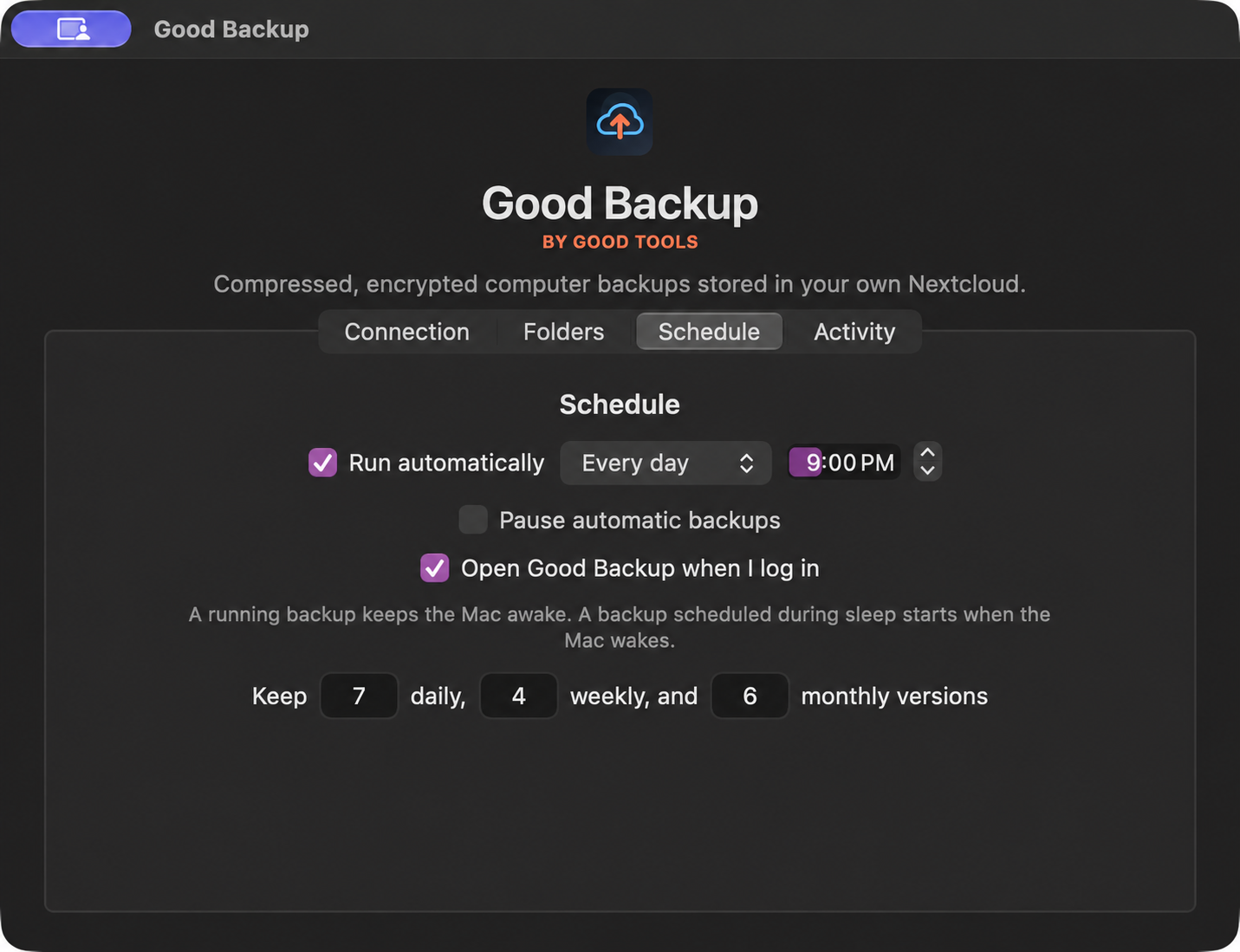
Run hourly, daily, or weekly; pause automatic runs, cancel a running backup, and see live status and periodic health checks.
Browse snapshots and restore everything or just one file or folder into a new location.
How Good Backup stays good
Keep looking