One-button uninstall
Select an app, review its related files, and remove the complete selection through one clear action.
Mac + Windows cleanup utility

A focused menu-bar and taskbar utility for removing apps and reclaiming safe cache, log, temporary, and purgeable storage.
Stay in the loop
Get an occasional email when Pluck receives an important new version. No weekly newsletter.
The useful part
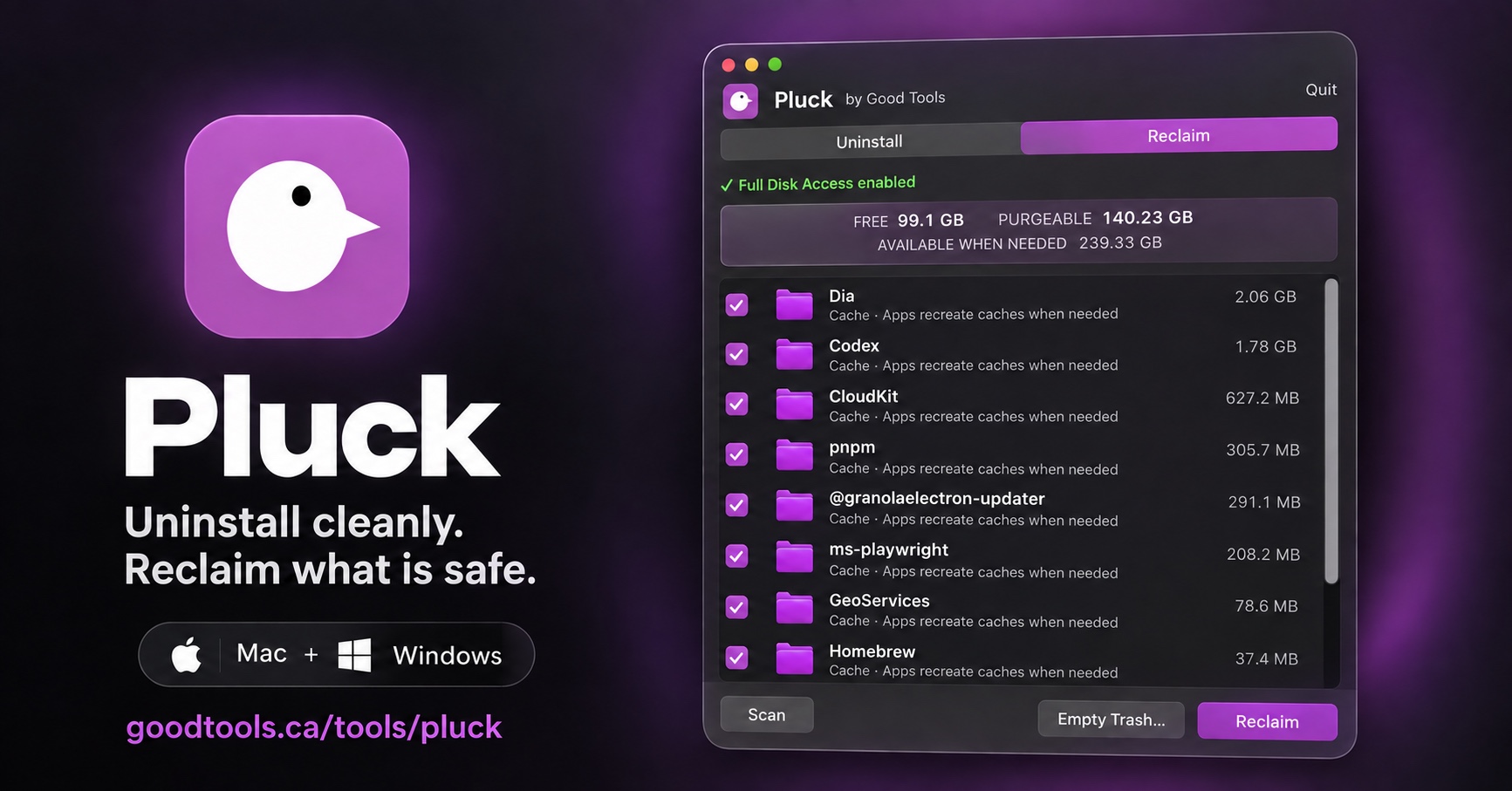
Pluck stays in the Mac menu bar or Windows taskbar. Choose an installed app and remove it with one Uninstall button, including related files Pluck can identify. The Reclaim view shows free and purgeable space, then lets you select concrete cache, log, development, and temporary files that are safe to recreate.
Finding the right tool
Pluck is a Mac and Windows app uninstaller for people comparing tools such as AppCleaner or Revo Uninstaller and wanting a smaller, easier workflow.
It shows related files and reclaimable storage before removal, focusing on reviewable caches, logs, temporary files, and purgeable space instead of promising a risky one-click system clean.
What it does
Select an app, review its related files, and remove the complete selection through one clear action.
See the storage macOS or Windows can make available and the concrete reclaimable items Pluck can safely remove.
Pluck stays out of the way until you open it from the system bar.
Selections are visible before removal, and ordinary cache cleanup does not target saved passwords or personal documents.
How Pluck stays good
Keep looking