Library to final export
Import and organize a catalog, rate and review photos, build collections, edit non-destructively, and export individual images or full batches.
Browser photo workflow

A free, open-source photo library and RAW editor with deep color grading, local masking, optical correction, film tools, and device-local processing.
The useful part
LibreLux brings photo organization, non-destructive development, precision color, masks, retouching, batch output, and an integrated Optics studio into one browser workspace. Catalogs, preferences, edits, and optional AI processing stay on the device, while editable save locations and backup tools keep the workflow portable.
Finding the right tool
LibreLux is a free, open-source Lightroom and Darktable alternative for photographers who want a browser-based library, RAW development, and finishing workflow.
Photos, catalogs, edits, masks, colour work, optics, film looks, and optional AI processing stay on the device, with non-destructive adjustments and batch export in one workspace.
What it does
Import and organize a catalog, rate and review photos, build collections, edit non-destructively, and export individual images or full batches.
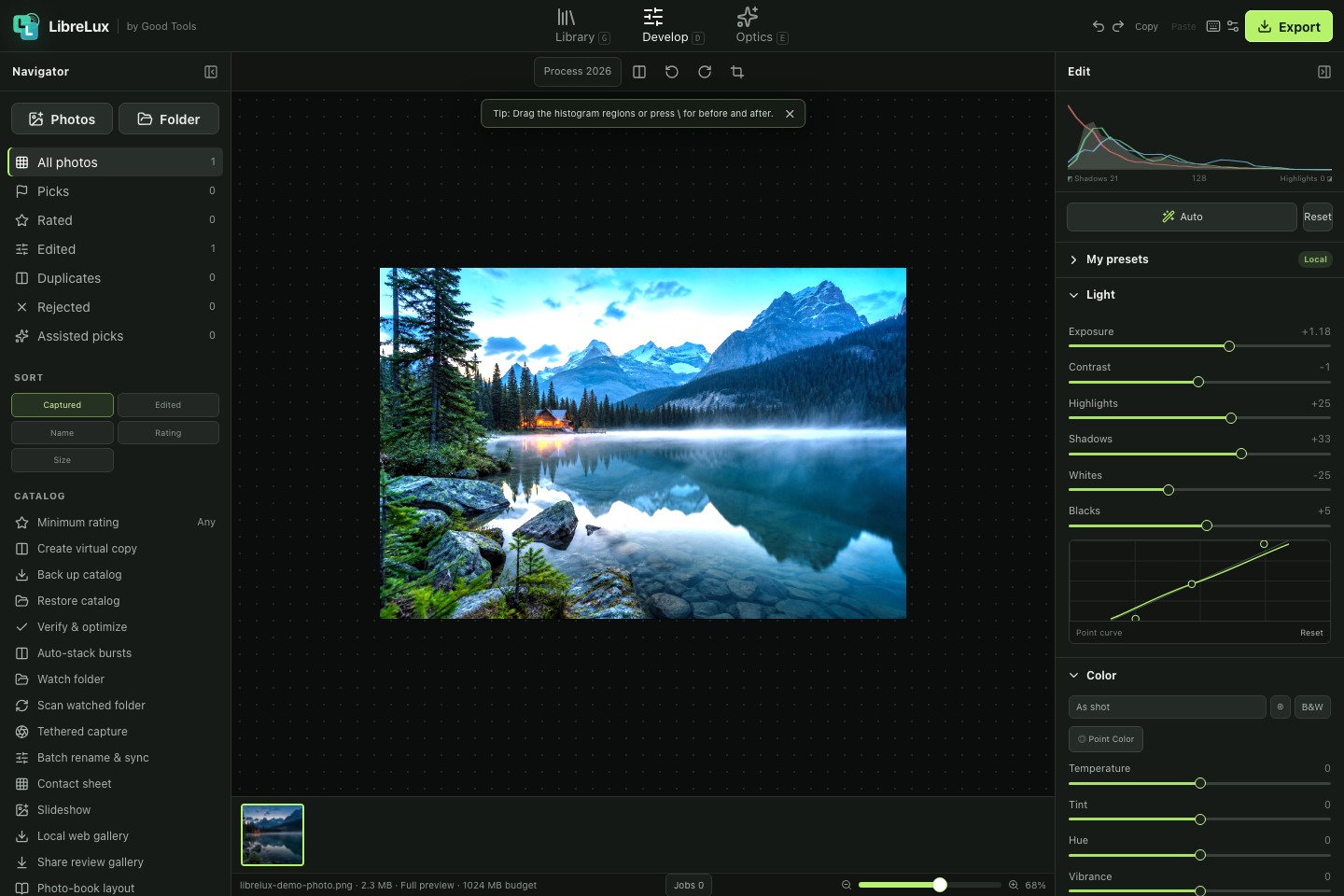
Shape exposure, curves, HSL, individual channels, calibration, B&W mixes, soft proofs, HDR, and three-way color grading.
Target subjects, hair, skin, clothes, skies, backgrounds, objects, luminance, color, and depth with editable local masks.
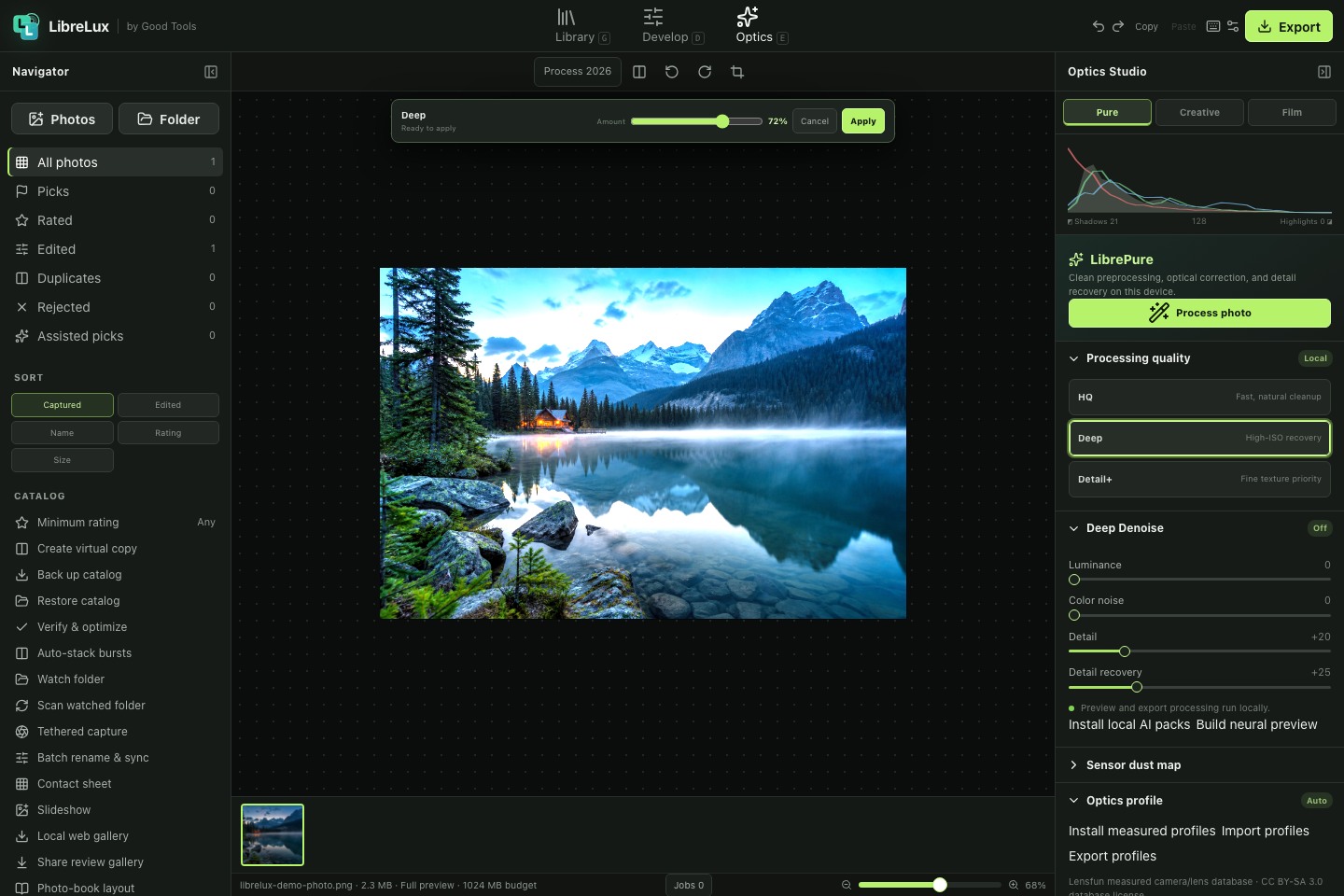
Preview measured lens corrections, denoise, detail recovery, creative profiles, film looks, grain, and optional browser-local AI before applying them.
How LibreLux stays good
Keep looking