01Video backgrounds and screensaver
Choose aerial scenes or 65 built-in offline Snoopy clips. Everyday scenes stay year-round; seasonal and holiday scenes unlock automatically on a Canadian-style calendar. Turn Automatic seasons off to use every clip year-round. Clips shuffle without repeats and share a 0.8-second crossfade.
02Screensaver on demand
Double-press Back on the main launcher screen to show just the background; press another button to return. The optional shortcut leaves Back in settings and other apps alone.
03Keep the backgrounds playing
Turn on Keep awake while GoodTV is open in System → Screensaver Settings. GoodTV releases the keep-awake request when you open another app. Your television’s own power timer still applies.
04Watch Next that stays useful
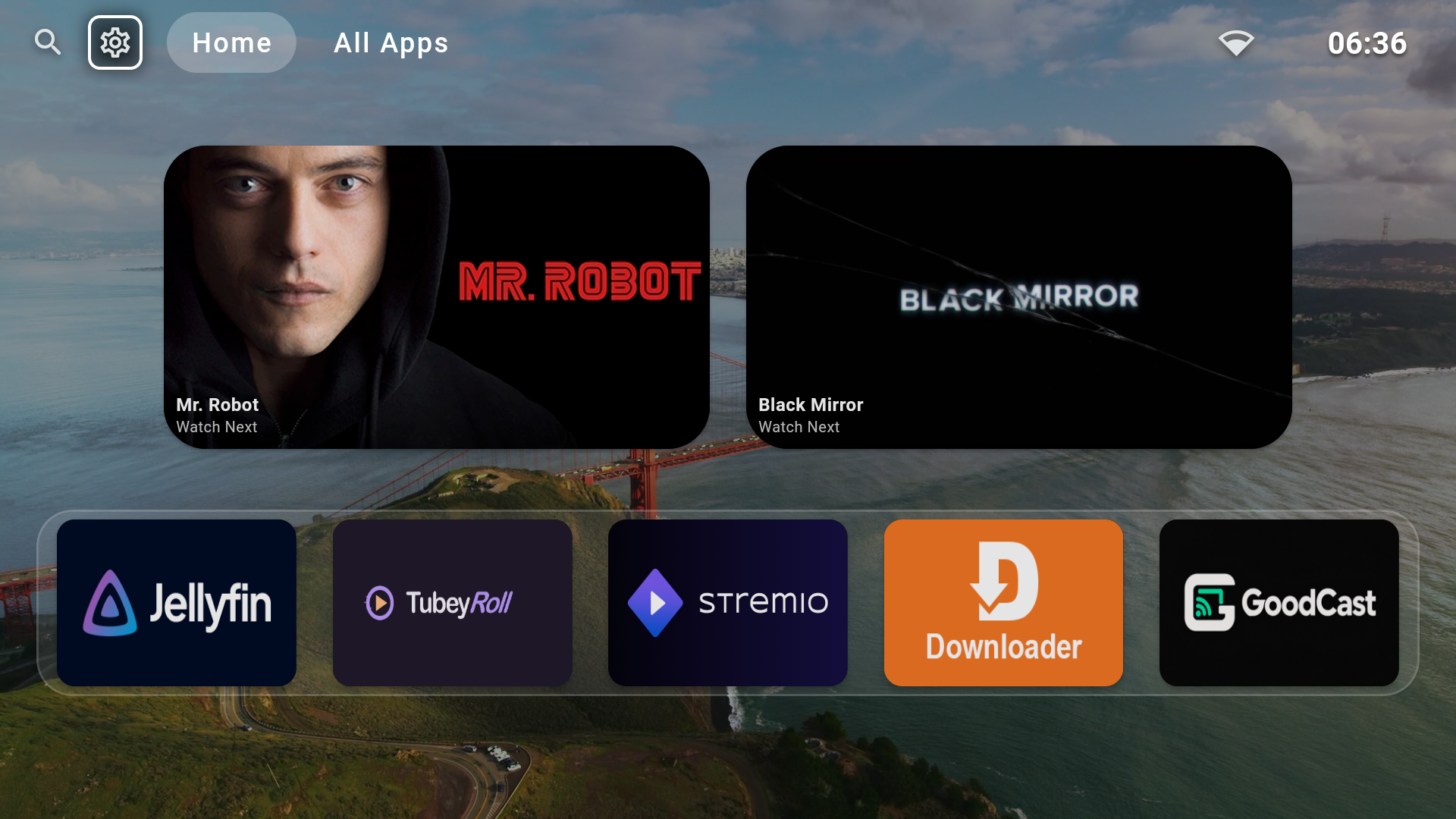
Continue watching supported content, including Jellyfin items, while open spaces can show recommendations from your library.
05Docks made for your apps
Fit up to five apps evenly, then scroll horizontally when you add a sixth. Long-press apps or All Apps to manage placement across multiple docks, and restore hidden apps whenever you want.
06Guided TV setup
Recommended setup brings launcher, Home-button, accessibility, background, and app-install options into one remote-friendly flow where Fire TV or Android TV permits them.
07Updates inside GoodTV
Check the signed public release channel from the launcher and install future GoodTV updates over this build.