Seven ways to tell time
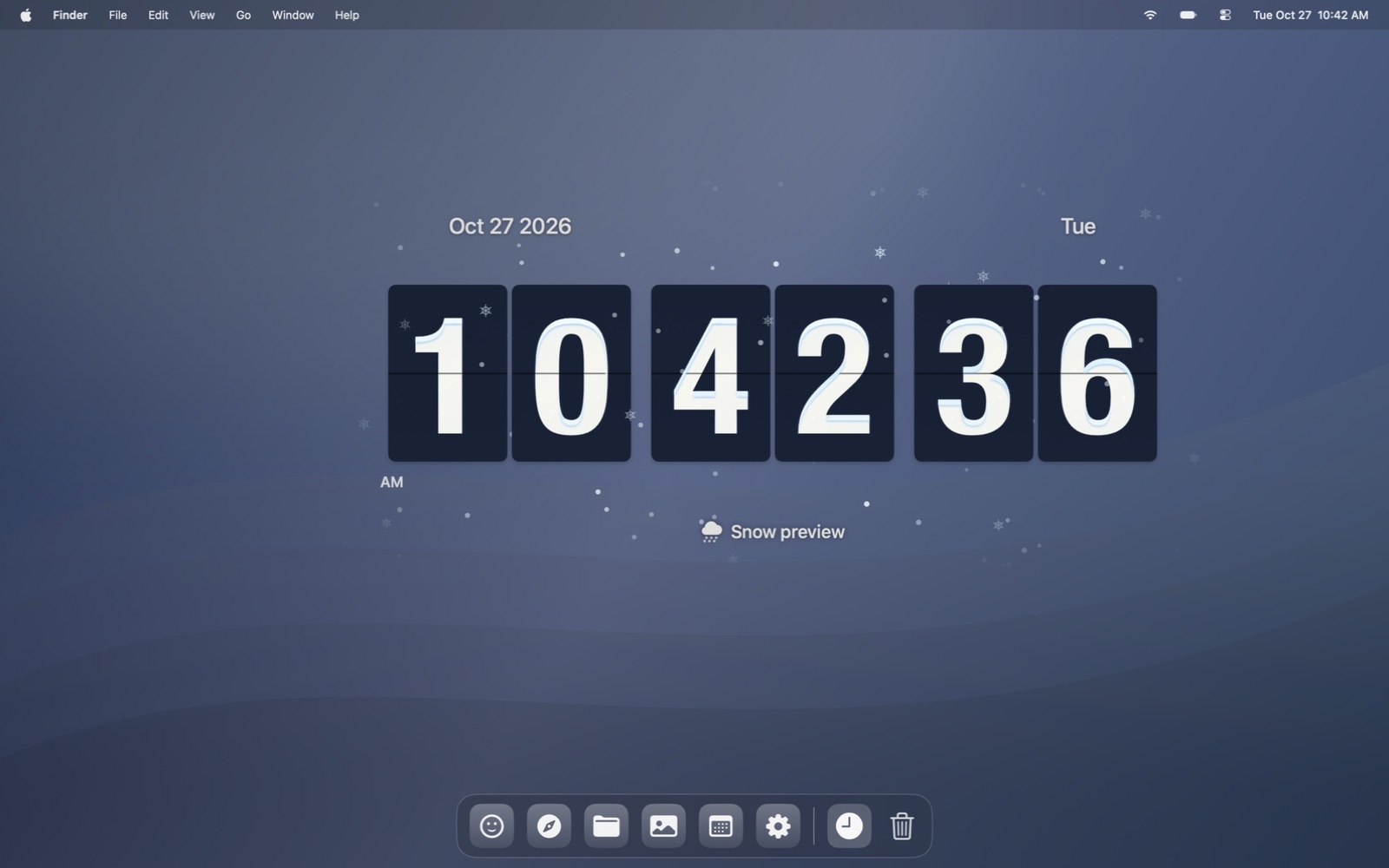
Choose Flip, Dial, Digital, Minimal, Dot Matrix, Glass or Sculpted. Curated system and installed fonts, colors, opacity and glass finishes help the clock feel at home.
Mac + Windows desktop clock
A clock that lives on your desktop, with seven designs and animated local weather drifting around its numbers.
Stay in the loop
Get an occasional email when Cirrow receives an important new version. No weekly newsletter.
The useful part
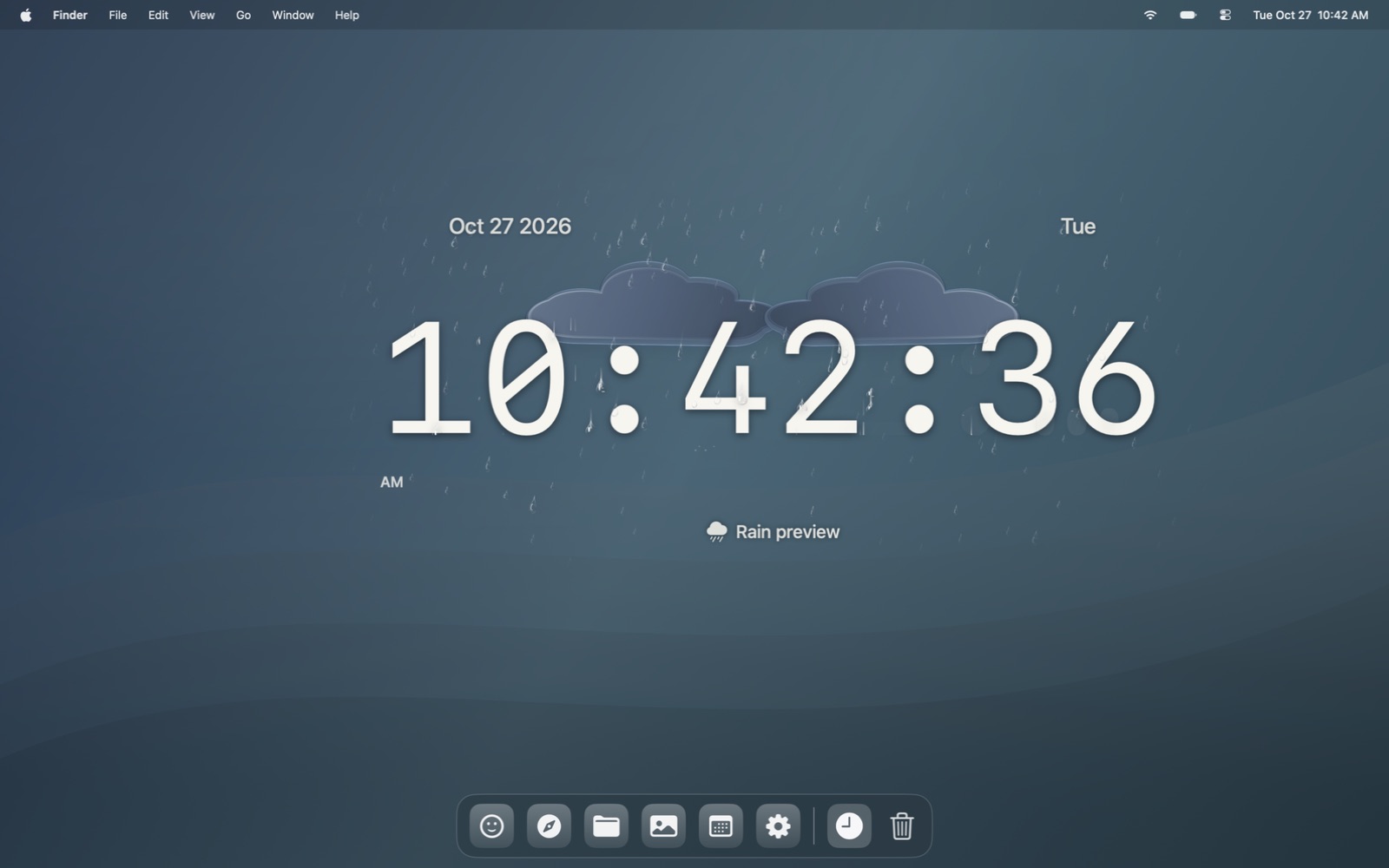
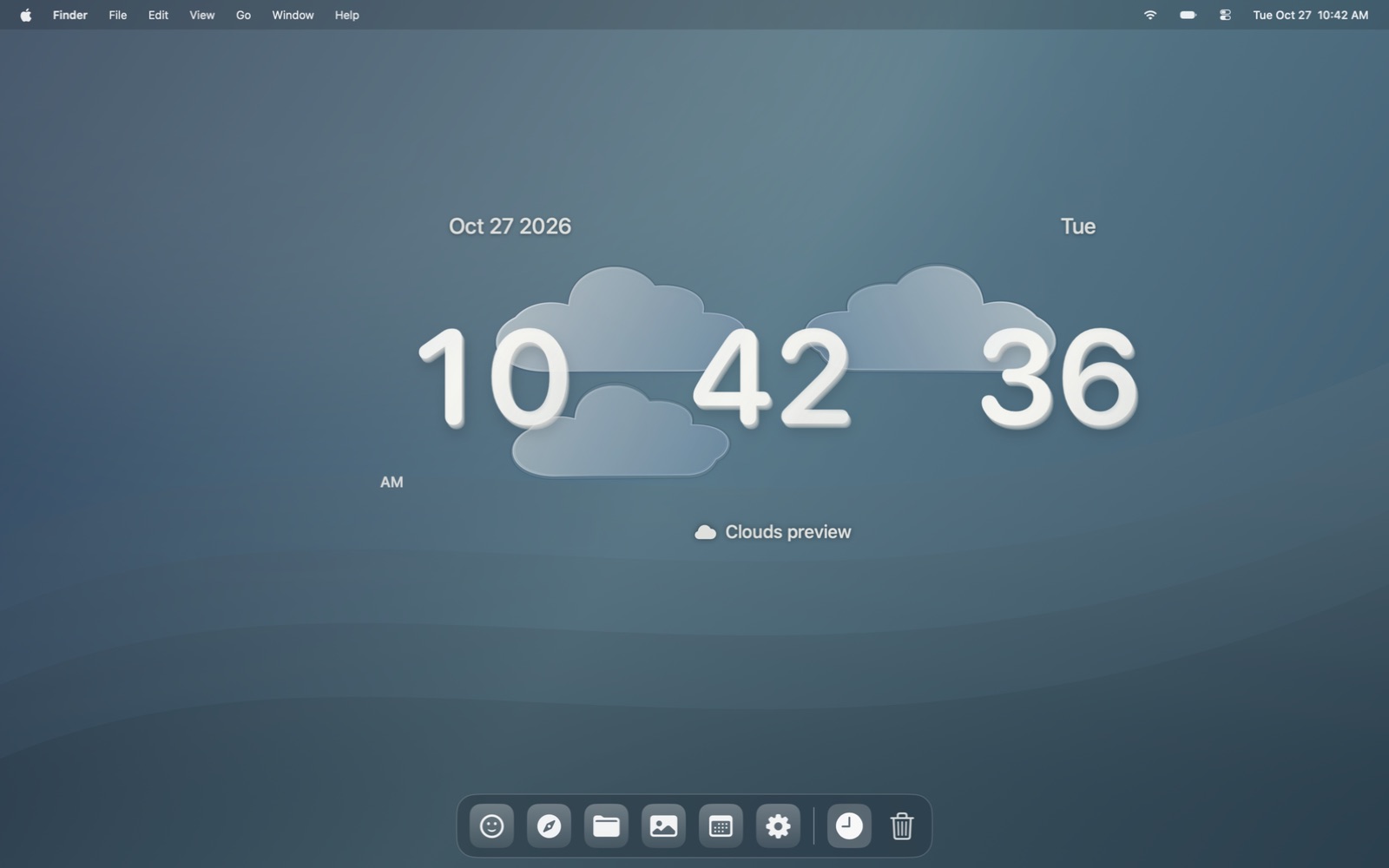
Cirrow places a transparent clock behind your everyday app windows and keeps its controls in the Mac menu bar or Windows tray. Choose a face, typeface, size and finish, then watch sunshine, clouds, rain, snow or fog move around the time. A separate settings window shows a live preview as you adjust the clock. The native Mac edition is available for Apple Silicon; the Windows x64 edition is an early preview that still needs testing on a physical PC.
Finding the right tool
Cirrow runs as its own desktop app with menu-bar or tray controls. Choose a classic flip face, a clean digital design or a glass finish, with native Liquid Glass on macOS 26 and newer and a custom glass treatment on Windows.
Allow location access for local weather. The Windows preview can fall back to clearly labelled approximate IP location. Conditions refresh every five minutes; this is model-based weather, not a live radar feed. Mac requires Apple Silicon and macOS 14 or newer. The app is not notarized; the unsigned Windows preview still needs physical-PC testing of desktop placement, dragging, display scaling and location.
What it does
Choose Flip, Dial, Digital, Minimal, Dot Matrix, Glass or Sculpted. Curated system and installed fonts, colors, opacity and glass finishes help the clock feel at home.
Location-based Open-Meteo conditions refresh every five minutes. Animated clouds, rain, snow, fog, sun and storms surround the clock, with beads, frost and light on its text-based faces.
Desktop placement stays behind normal apps. Drag to move, resize from the corner or adjust the live size slider. Floating placement is available when you want the clock above other windows.
The settings preview follows your design and weather choices. Live condition changes blend smoothly; manually selected weather scenes let you preview each effect. Stopwatch and countdown open separately.
How Cirrow stays good
Keep looking